Bring it all together.
Make it your own.
Your content, your teams and every location. One connected workspace. A website that feels like you.
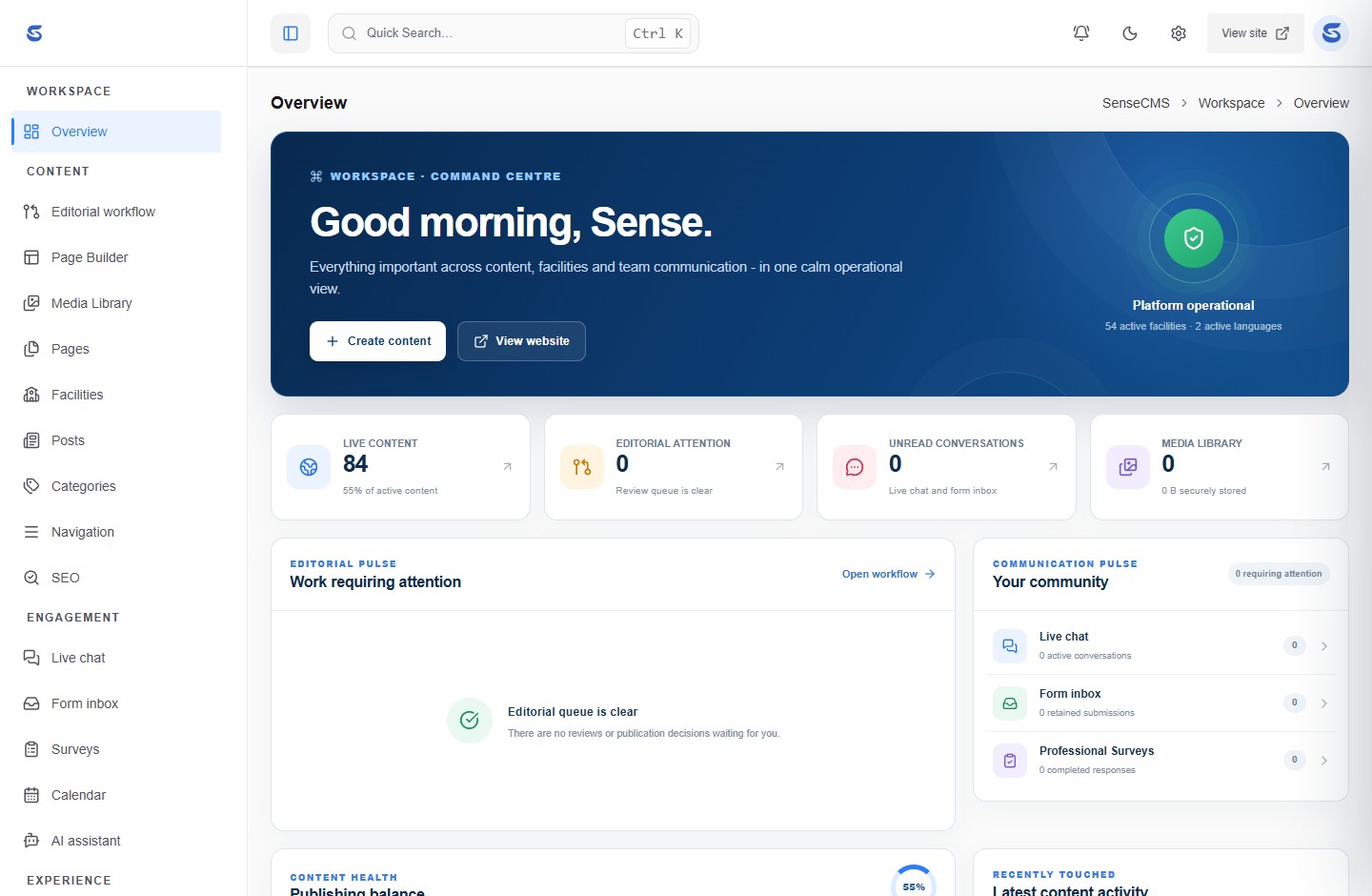
A clearer way to run your digital world.
Keep the foundation focused. Give each part of your website a clear place to belong.
An independent workspace
Manage pages, posts, media, navigation and SEO from one administrative environment. Your public theme can change without replacing your workspace.
Explore the platform →Many facilities. One foundation.
Organise locations, teams and their content with scoped access. Keep local responsibilities clear while managing your organisation centrally.
Discover the platform →A theme of your own
Choose a compatible theme or create one for your project. Page content and its public address belong to Core; the theme decides how they look.
Build a theme →Good foundations start before the homepage.
Installation begins with a verified license, followed by server checks, database setup and your owner account. Keep private application files outside the public document root.
Read the installation guide →Start with a foundation. Make room for possibility.
A website should be able to evolve with your organisation. Sense CMS separates the core workspace from themes, modules, plugins and addons — so each part has a clear role.
Meet the ecosystem
Your visual identity.
02 / CAPABILITIESModules ↗Your application's features.
03 / CONNECTIONSPlugins ↗Your service integrations.
04 / WORKSPACEAddons ↗Your additional tools.
Package availability and compatibility are listed separately. Check release status →
Your next chapter shouldn’t mean starting over.
Build a distinctive website without tying your content to its design. Your team keeps a familiar workspace while your public experience evolves.
Explore theme development- 01Keep your content
Pages and their addresses belong to the CMS, not the theme.
- 02Shape the experience
Change your presentation without replacing the administration panel.
- 03Choose your infrastructure
Deploy on your own PHP server with a private application directory.
Your next website starts with a conversation.
Sense CMS is in active development. Explore the implemented foundation, read the technical documentation and check release availability.